 SpeedHands
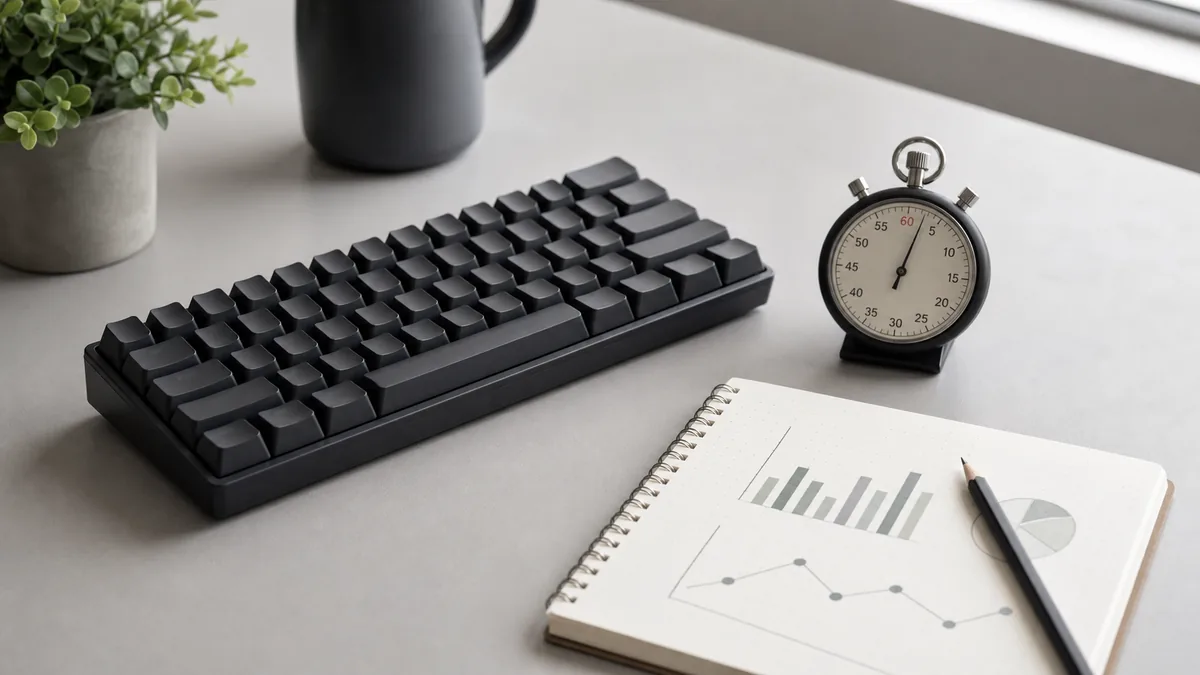
A single 15-second typing test tells you almost nothing about how fast you actually write email or code. Short tests reward lucky word sequences and hide fatigue. A reliable baseline uses fixed formulas, a short warm-up, and three runs recorded by median.
1. Standard net WPM formula
Across modern benchmarks, one “standard word” equals 5 characters including spaces and punctuation. Always track net WPM alongside accuracy:
Net WPM  = (Correct Characters / 5) / Elapsed Minutes
Accuracy = (Correct Characters / Total Characters Typed) * 100
Raw WPM counts every keystroke regardless of mistakes and is useful only for diagnosing whether you are limited by motor speed or accuracy.
2. Five-minute baseline protocol
- Warm up (60 seconds): Run two untimed passes of a pangram or home-row drill so cold fingers don't skew run 1.
- Prose set (3 runs): Complete three prose drills back to back. Discard the highest and lowest scores; log the median WPM and accuracy.
- Code / symbol set (3 runs): Repeat using code or command prompts from Typing Drills (for example JavaScript, For Loop, and Docker). Most developers score 15–25% lower on symbol-heavy text than on plain English.
- Record device context: Note keyboard model (desktop mechanical vs laptop) and seated posture so future comparisons stay apples-to-apples.
3. What to log
A tiny plain-text or CSV file is enough to spot progress over months:
date,keyboard,prose_wpm,prose_acc,code_wpm,code_acc
2026-06-01,65pct-usb,72,96.4,54,93.8
2026-06-08,65pct-usb,74,97.6,57,95.2
Compare your starting numbers against the reference brackets and device latency table in Benchmarks & Measurement, or download the offline Keyboard Basics Pack to run repeatable sets locally.