 SpeedHands
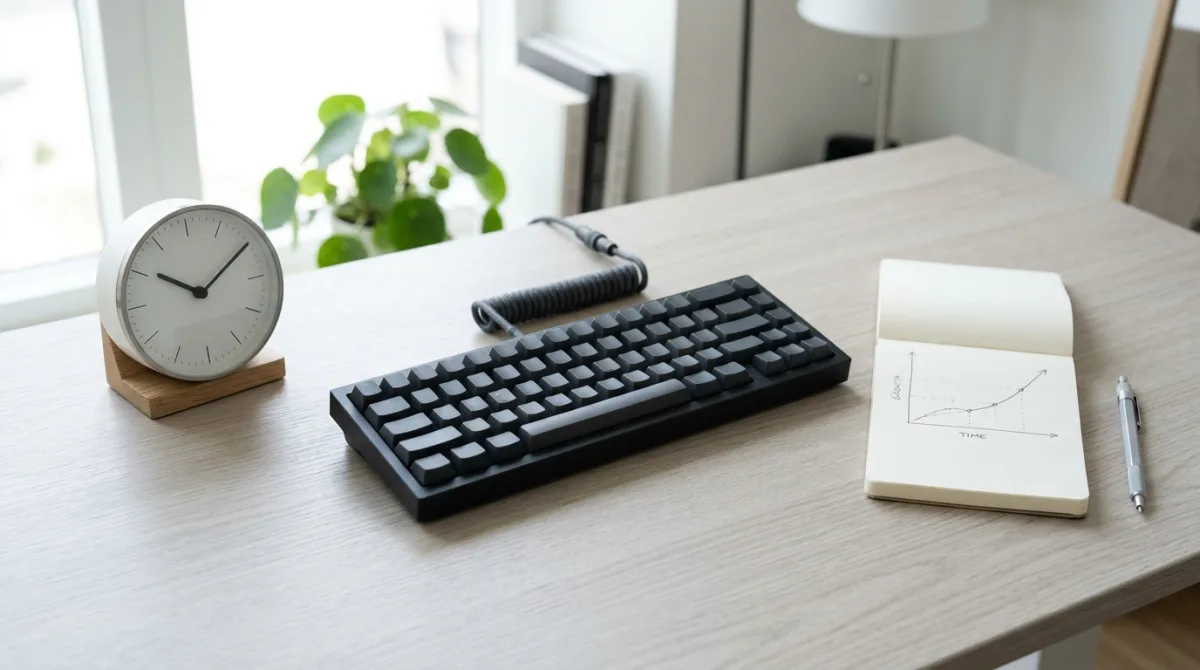
Many proficient typists stall between 75 and 85 net WPM even though their fingers can easily burst past 105 WPM on familiar words. The bottleneck is rarely finger speed—it is the compounding cost of correcting errors once keystrokes arrive faster than visual verification.
1. Why mistakes cost more at higher speeds
At 50 WPM, a single typo usually gets caught after one extra letter: two backspaces plus two retyped keys. At 95 WPM, your fingers are already two or three characters ahead before your eyes register the miss. Stopping, reaching for Backspace, deleting three letters, and re-accelerating costs roughly 8–12 effective keystrokes plus a full rhythm break.
| Raw Speed | Accuracy | Typical Net WPM | Feel |
|---|---|---|---|
| 95 WPM | 93% | ~74–78 WPM | Frantic bursts, constant Backspace |
| 90 WPM | 96% | ~80–83 WPM | Occasional stumbles on symbols |
| 88 WPM | 99% | ~86–87 WPM | Calm, even cadence, minimal fatigue |
2. Fix bigram stumbles instead of chasing speed
Errors above 80 WPM are rarely random. Almost everyone has 6 to 10 recurring two- or three-letter combinations where same-finger transitions or hand-roll timing breaks down (for example ed, ce, un, io, or code pairs like => and ()). Keep a scratch note of the exact words you mistype during a 5-minute session and drill just those words slowly for 60 seconds.
3. Use a 3-pass cadence block
Instead of repeating full-speed sprints, run a short 6-minute structured block in Typing Drills:
- Pass 1 — Even metronome (2 min): Type at ~75% of your normal speed, spacing every keystroke evenly. Deliberately smooth out fast bursts on common words like
theandand. - Pass 2 — Target symbols & code (2 min): Switch to JavaScript, For Loop, SQL, or Shell Pipes drills. Focus on clean Shift release before the next letter.
- Pass 3 — Controlled flow (2 min): Return to prose or commands at normal effort, aiming for zero Backspace hits rather than peak WPM.
4. Use word-level delete when real work slips
During real programming, tapping Backspace five times breaks flow more than deleting the whole word. Build the reflex for Ctrl+Backspace (Linux/Windows) or Option+Backspace (macOS) to clear a botched token in one chord and retype it cleanly.
To measure whether accuracy training is actually raising your floor, establish a repeatable baseline using Establish Your WPM Baseline and compare against Benchmarks & Measurement.