 SpeedHands
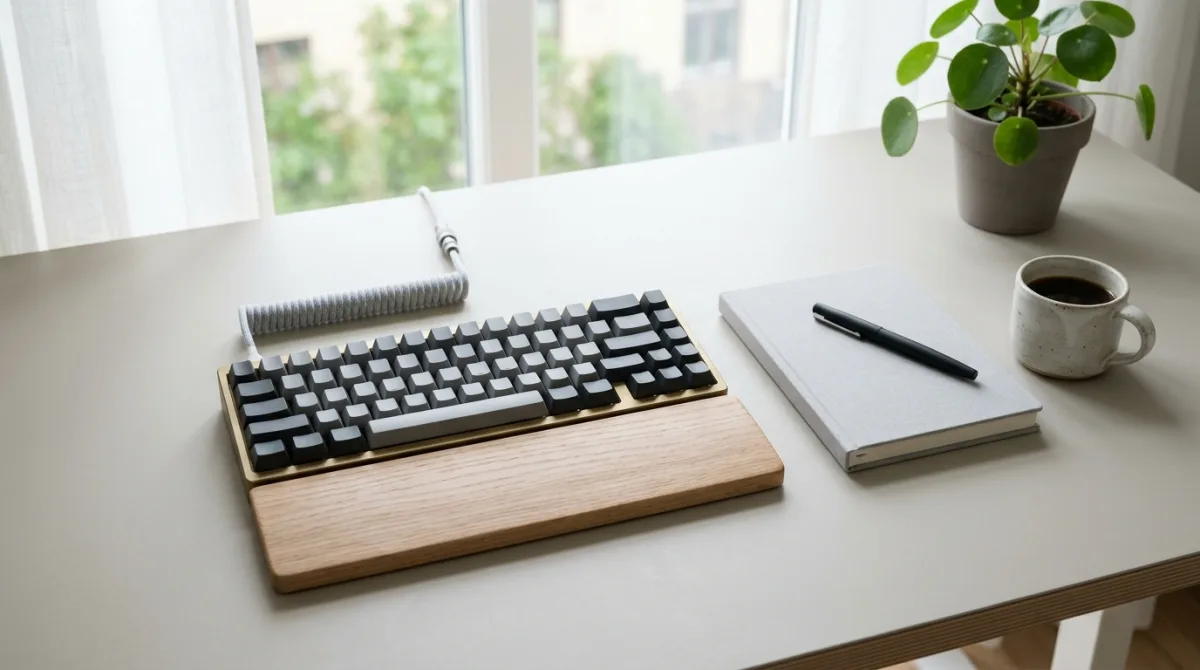
Most typing discomfort does not come from raw keystroke volume. It comes from holding a small static misalignment—bent wrists, shrugged shoulders, or repeated pinky stretches—for six hours a day. Fixing workstation geometry removes more strain than buying softer switches.
1. Desk height drives everything else
Start with your elbows, not your keyboard. Sit back with relaxed shoulders and bend your elbows to roughly 95°–110°. Your forearms should angle slightly downward toward the desk surface. If your shoulders creep upward to clear the desk edge, either raise the chair (and add a footrest) or lower the desk.
| Contact Point | Neutral Target | Common Problem |
|---|---|---|
| Wrist extension | 0° to −5° (flat or slight negative tilt) | Flip-out keyboard feet forcing upward bend |
| Ulnar deviation | Forearms inline with middle fingers | Full-size numpad pushing mouse far right |
| Elbow angle | 95°–110°, upper arms vertical | Keyboard placed too far forward on desk |
| Forearm support | Light contact during pauses only | Pinning soft wrist base onto sharp desk edge |
2. Close the flip-out feet
Keyboard risers tilt the back row up so hunt-and-peck typists can read key legends. For touch typists, positive tilt bends the wrist backward and compresses the carpal tunnel. Keep rear feet folded flat. If your board has a tall front lip (common on custom aluminum 65% cases), pair it with a firm palm rest flush with the bottom bezel.
3. Reclaim mouse space with a compact layout
A standard 104-key keyboard shifts the mouse 10–12 cm outward, rotating your right shoulder externally all day. Moving to a 65% or TKL board lets the mouse sit inside shoulder width. See the Mouse + Keyboard Split reference for positioning guidelines.
4. Cut pinky workload on programming symbols
Code leans heavily on Ctrl, Esc, Backspace, [ ], and { }—all parked on the weakest outer fingers. Two low-effort remaps pay off immediately:
- Map
Caps LocktoCtrl(or tap forEsc, hold forCtrl) so left-hand chords stay on the home row. - Use both Shift keys—left Shift for right-hand symbols like
{ } ( ) _ +, right Shift for left-hand symbols like! @ # $ %.
5. Build a sustainable session rhythm
Pair physical setup with pacing. A practical baseline for deep coding days is 50 minutes focused work / 10 minutes off-keyboard, plus brief 15-second hand shakes whenever you finish a build or wait for tests. For specific stretch cues and early strain indicators, read Typing Fatigue and Break Schedules.
Quick setup checklist
- Fold keyboard feet flat; verify wrists stay level from side view.
- Pull the keyboard close enough that elbows stay near your ribs.
- Center the
GandHkeys with your torso, not the whole keyboard frame. - Practice alternating-Shift symbol drills in the Symbol Row Pack or live Typing Drills.