 SpeedHands
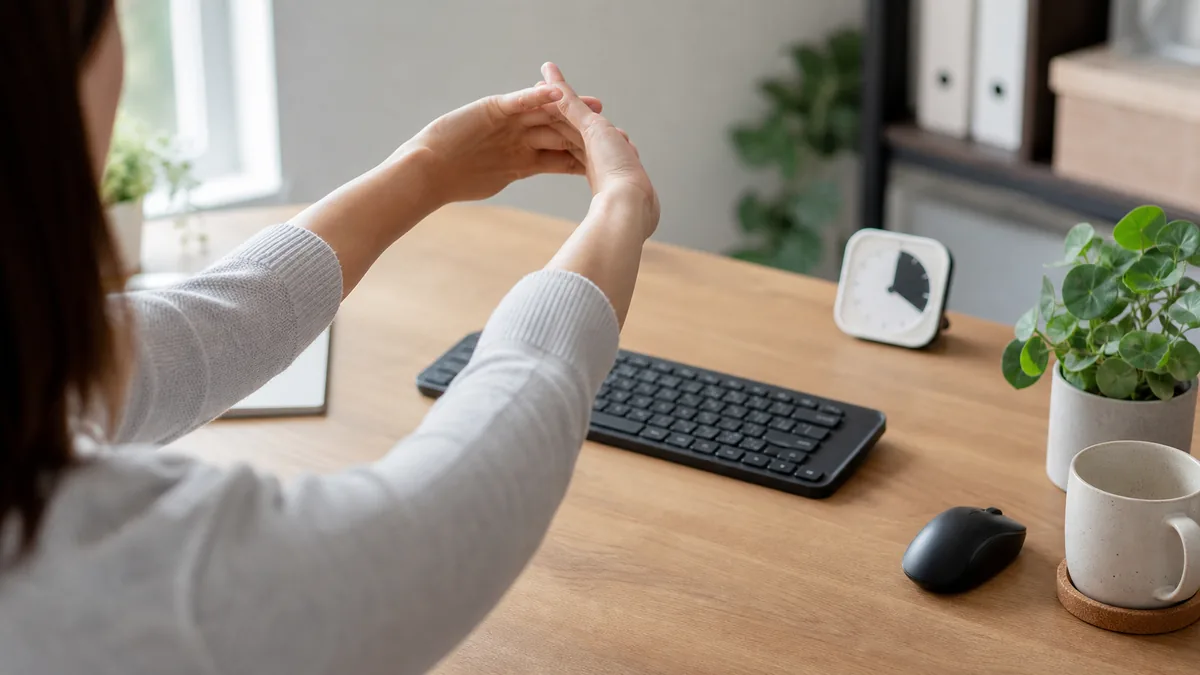
Typing practice obeys the same recovery rules as playing an instrument. Pushing through stiff forearms does not build endurance—it trains tense movement patterns and drops accuracy. Short, frequent micro-breaks outperform one long break after pain starts.
1. Early warning cues to stop immediately
- Sudden accuracy dip: Double-taps or missed spaces on easy words usually signal forearm fatigue before any ache appears.
- Bottoming out harder: Hearing louder keystrokes than ten minutes earlier means your fingers are stiffening.
- Outer-edge tightness: Pulling along the pinky side of the wrist or upper forearm after heavy shortcut work.
2. A simple break schedule
| Interval | Duration | Action |
|---|---|---|
| Every 15–20 min | 15 seconds | Drop hands to your lap, relax fingers, look 6 m away |
| Every 50 min | 5–10 minutes | Stand up, walk away from the desk, roll shoulders |
| Dedicated drill cap | 15–20 min / day | Stop practice while form still feels crisp and light |
3. Gentle 60-second hand reset
- Open fan: Spread all fingers wide for 5 seconds, then release completely limp. Repeat 3 times.
- Forearm glide: Extend one arm forward, palm up, and gently draw fingers downward with the opposite hand for 10 seconds—no sharp pulling.
- Wrist circles: Make loose fists and trace 5 slow circles in each direction.
Note: Persistent numbness, tingling, or nighttime wrist pain should be evaluated by a clinician—do not try to stretch through nerve symptoms.
For workstation height, tilt, and layout changes that prevent fatigue from building in the first place, continue to Keyboard Ergonomics for Long Coding Sessions.