 SpeedHands
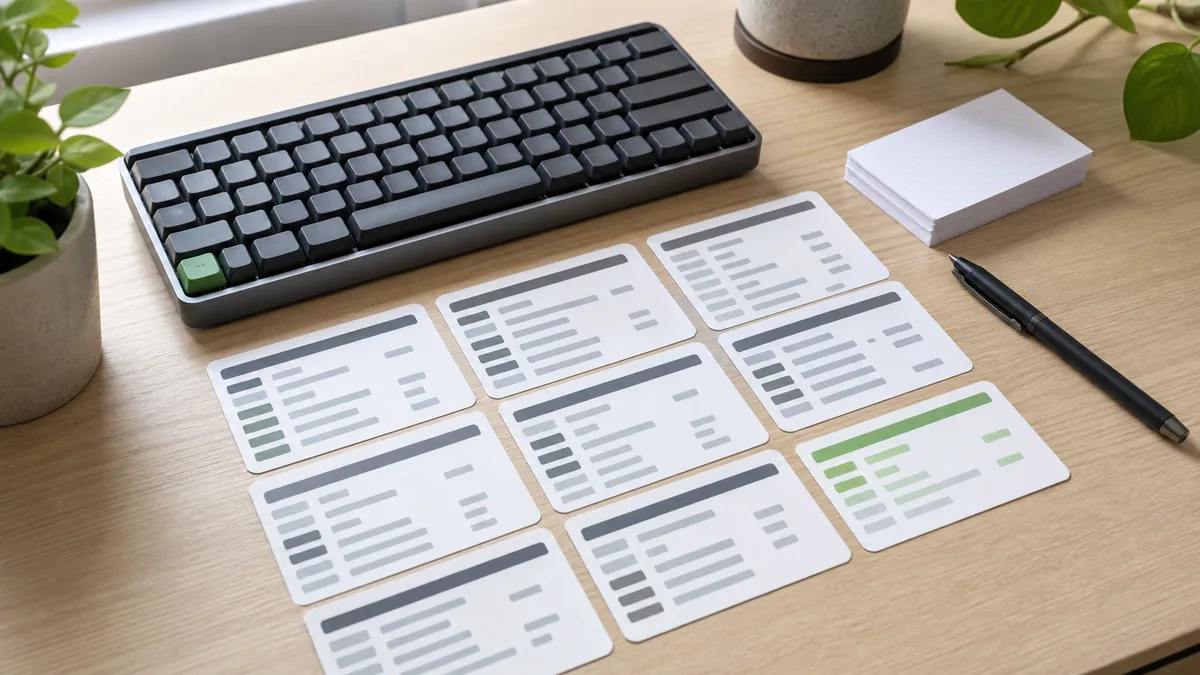
Printing a 90-shortcut PDF and taping it to your monitor rarely works. Under deadline pressure, scanning a dense chart takes longer than grabbing the mouse. Instead, build a personal shortcut map in three small tiers—adding new bindings only after the previous five feel automatic.
1. Audit your mouse trips first
Spend one morning noticing every time your right hand leaves the home row for the mouse. Almost 80% of trips fall into four buckets: opening files, jumping between symbols, selecting text blocks, and toggling panels or terminals.
2. The 3-tier starter map (click any chord to copy)
| Tier | Action | VS Code / Generic | Vim / Neovim |
|---|---|---|---|
| Tier 1 | Quick open file | Ctrl+P | :e filename |
| Tier 1 | Command palette | Ctrl+Shift+P | : |
| Tier 1 | Jump to symbol | Ctrl+Shift+O | gd |
| Tier 2 | Select next occurrence | Ctrl+D | * cgn |
| Tier 2 | Move line up / down | Alt+Up / Alt+Down | ddp / ddkP |
| Tier 3 | Toggle integrated terminal | Ctrl+` | :term |
3. Unify bindings across tools
Cognitive friction spikes when your browser, terminal multiplexer, and editor use conflicting chords for the same concept (such as splitting panes or closing tabs). Standardize one mental model—for instance, using the same prefix for pane navigation across tmux and your editor—so muscle memory transfers cleanly.
Pair this guide with the physical hand-pivot photos in Modifier Key Reach and download the Editor Shortcuts Pack for targeted sequence practice.