Practice tools, downloadable packs, and reference material for programmers, editors, designers, and keyboard enthusiasts.

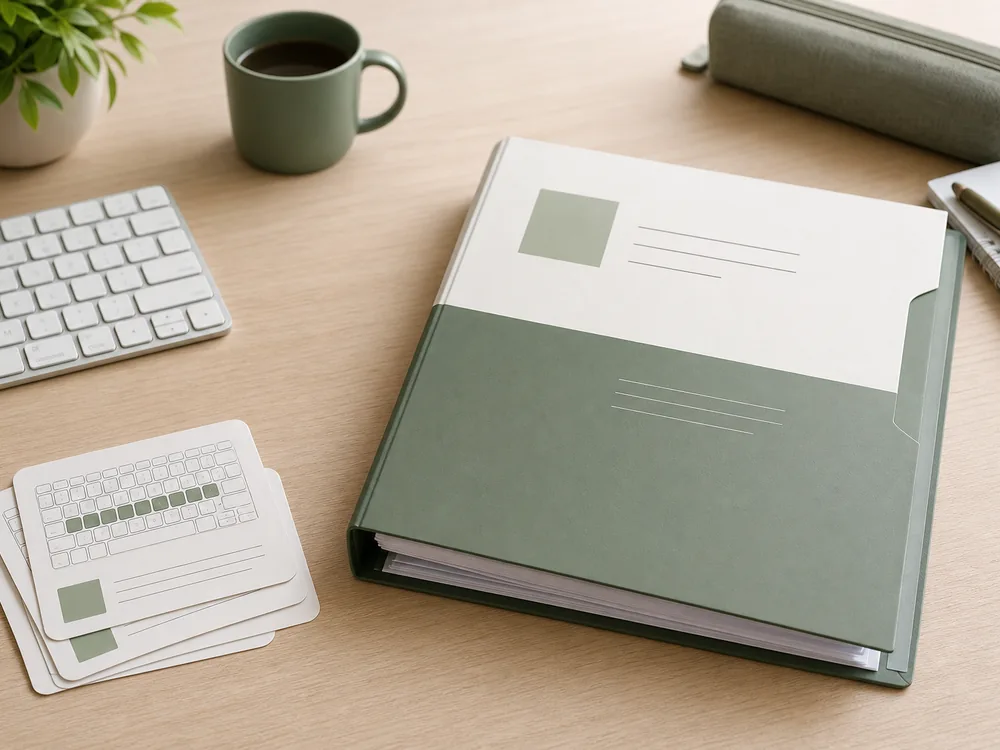
Home row drills, common words, and accuracy exercises. 5 drill sets, 200 words total. Suitable for beginners.
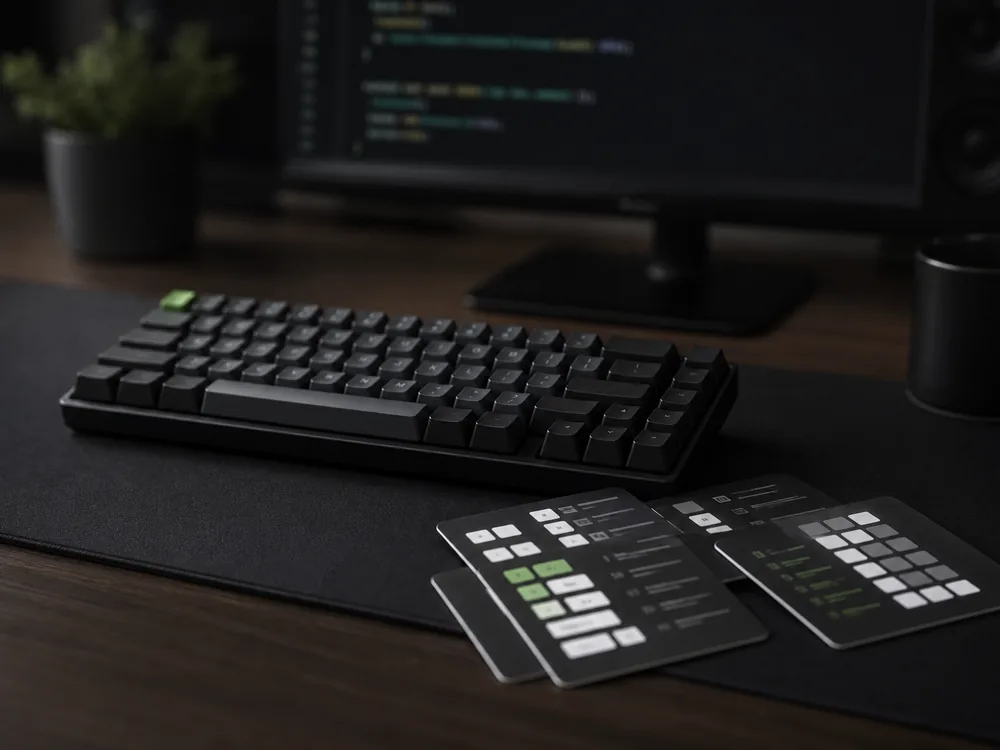
Common editor shortcut sequences as typing drills. VS Code, Vim, and generic patterns. 8 drill sets.
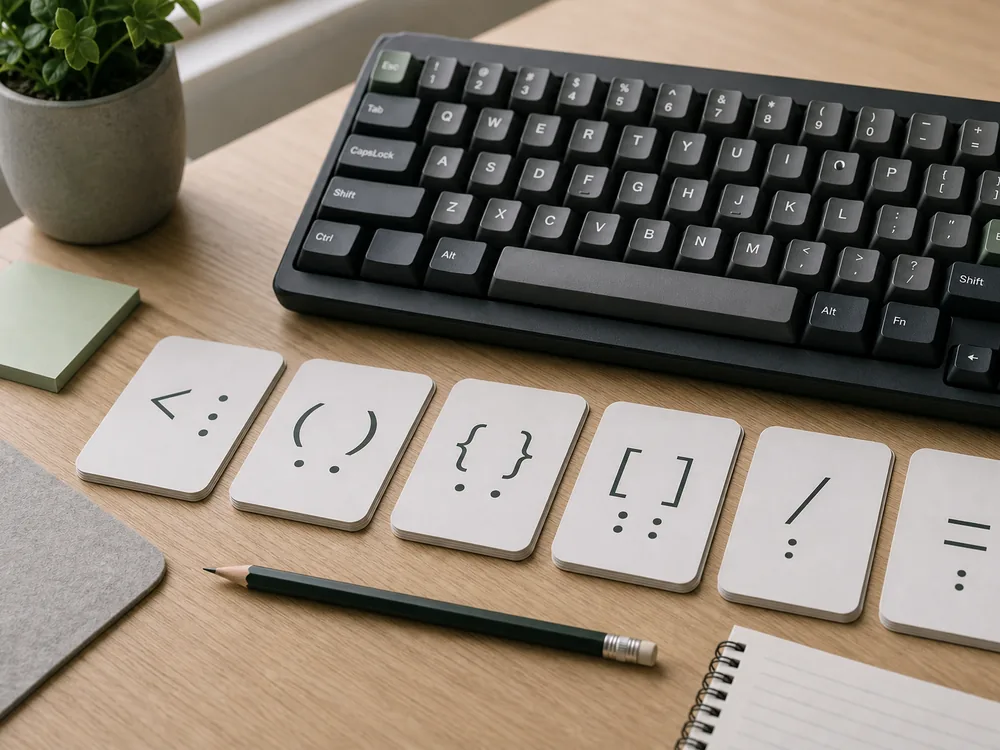
Number row and shifted symbols for programmers. Brackets, operators, punctuation at speed. 6 drill sets.
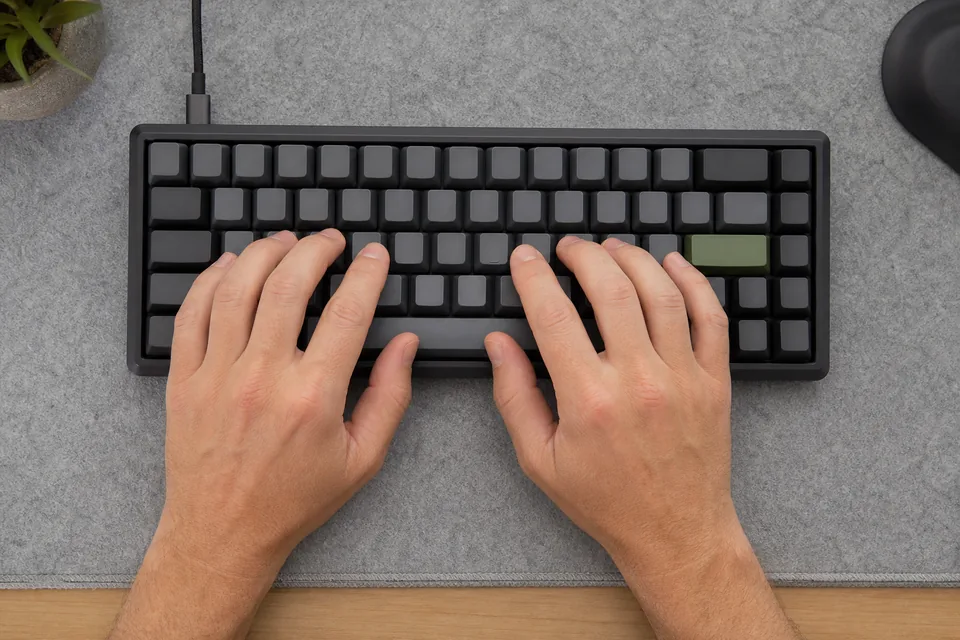
Standard home row finger placement. Fingers on ASDF (left) and JKL; (right), thumbs on spacebar.
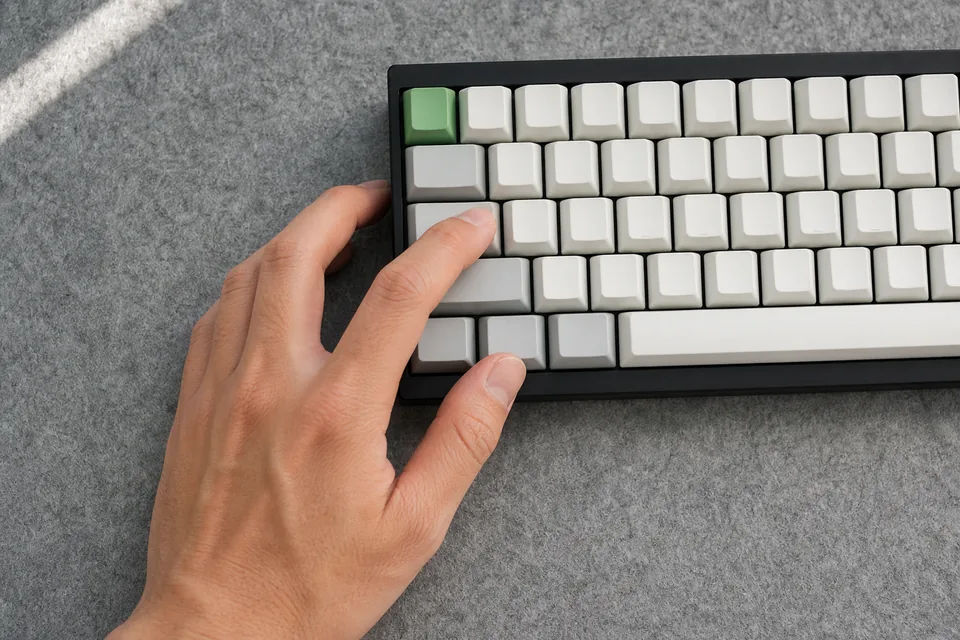
Hand position when using Ctrl, Alt, Shift, and Super. Minimize finger travel for common shortcuts.
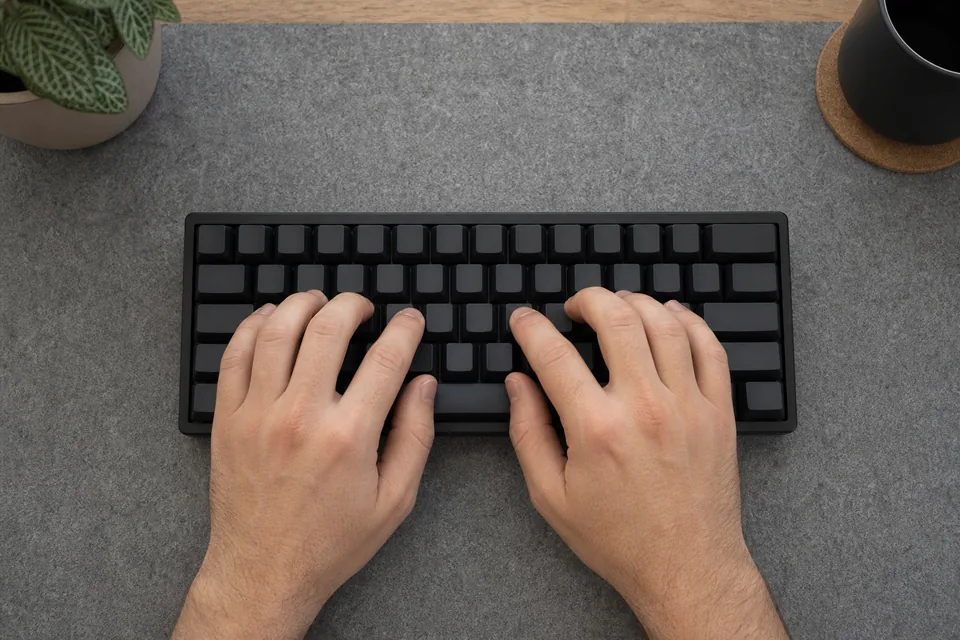
Hand position for Vim-style h/j/k/l navigation. Keeping fingers on the home row for modal editing.
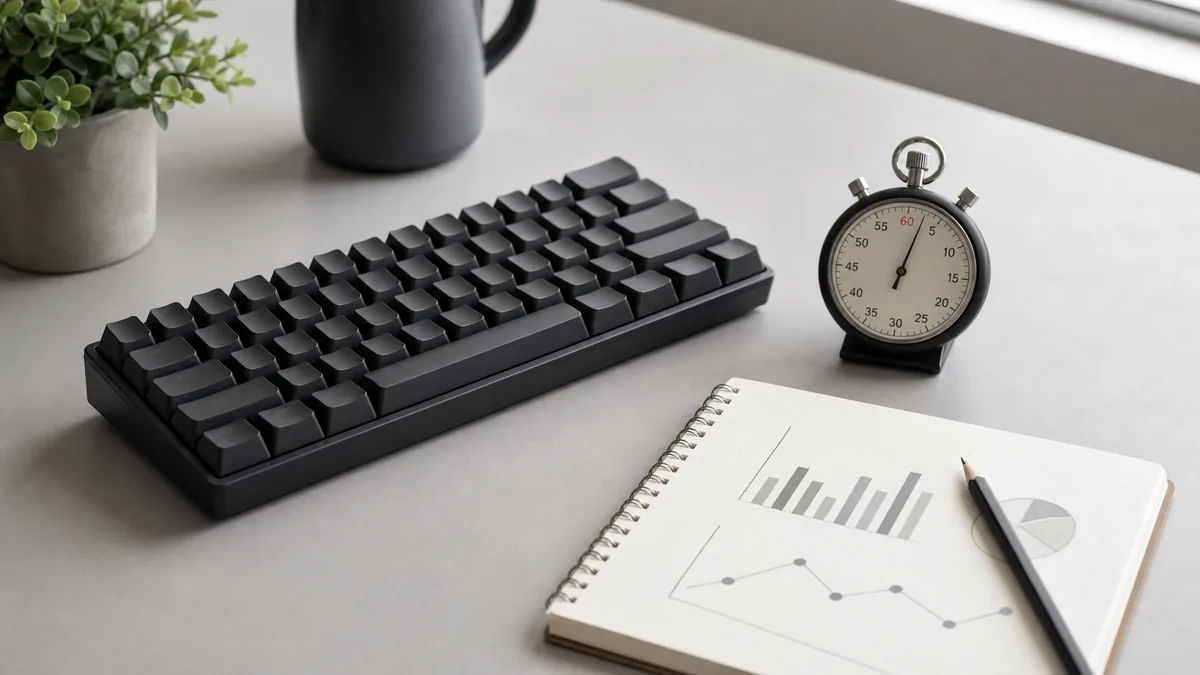
How to measure your current typing speed accurately. Test conditions, warm-up protocol, and how to track progress over time.
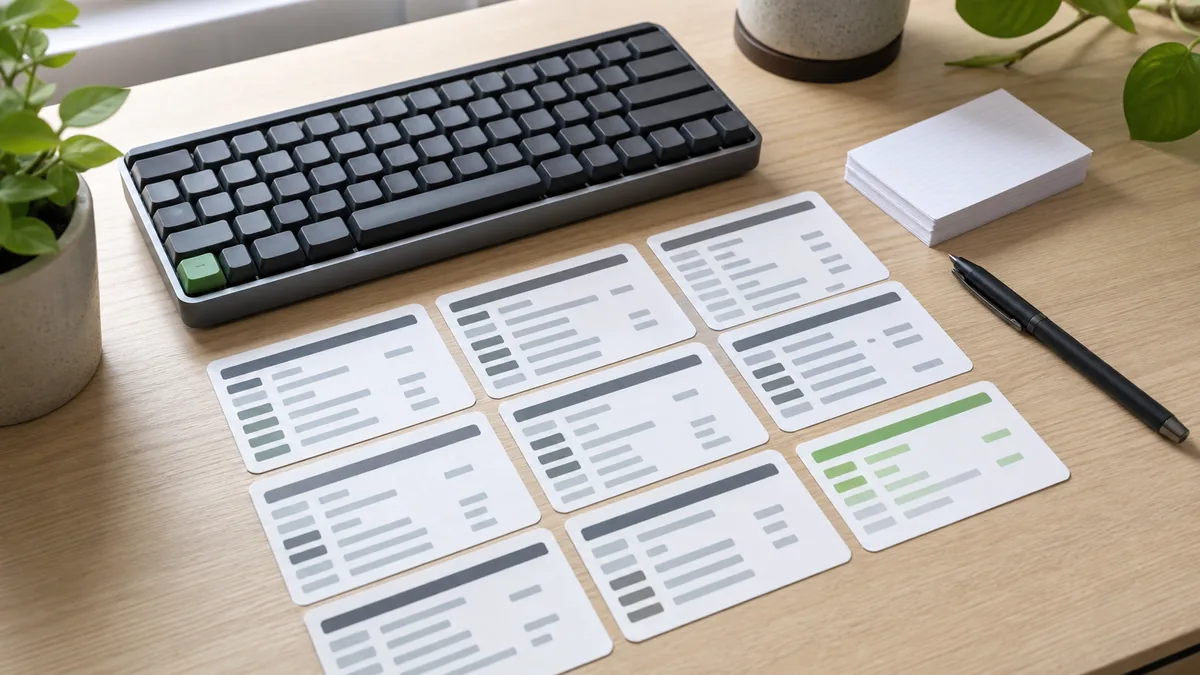
A systematic approach to learning editor shortcuts. Start with the 20 most-used commands, then layer in advanced combos.
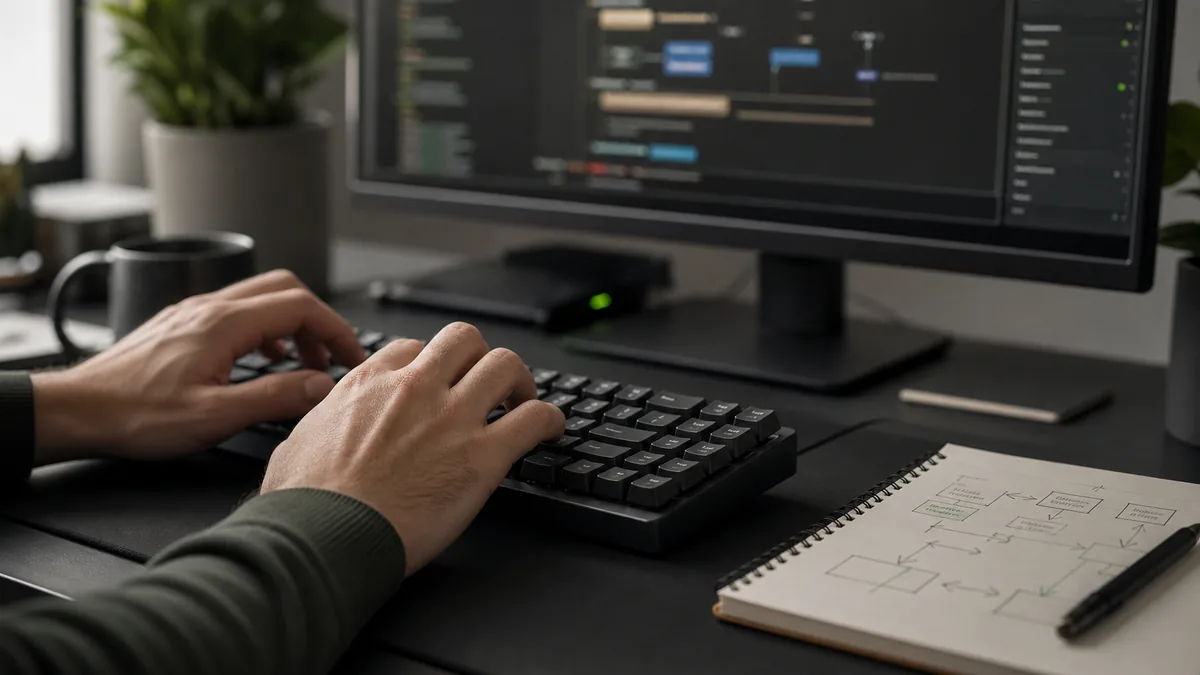
Common editing workflows broken into hand-motion sequences. Navigate, select, transform, repeat.
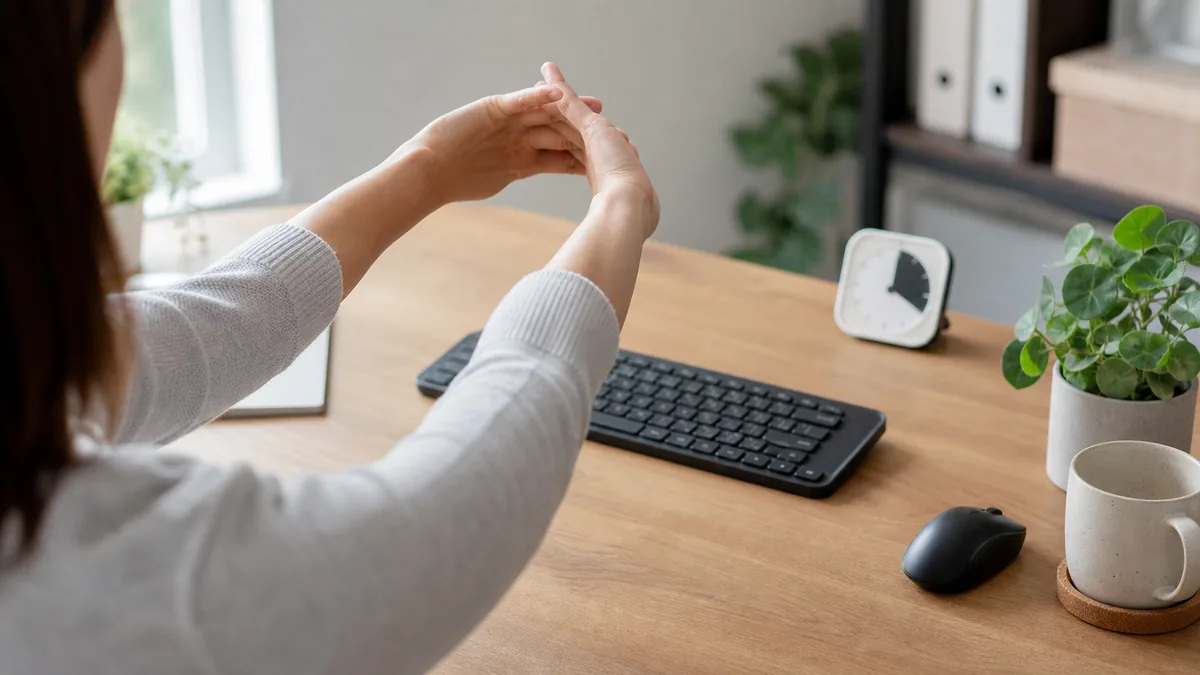
Recognizing early signs of hand strain. Micro-break techniques, stretch routines, and sustainable daily limits.
 SpeedHands